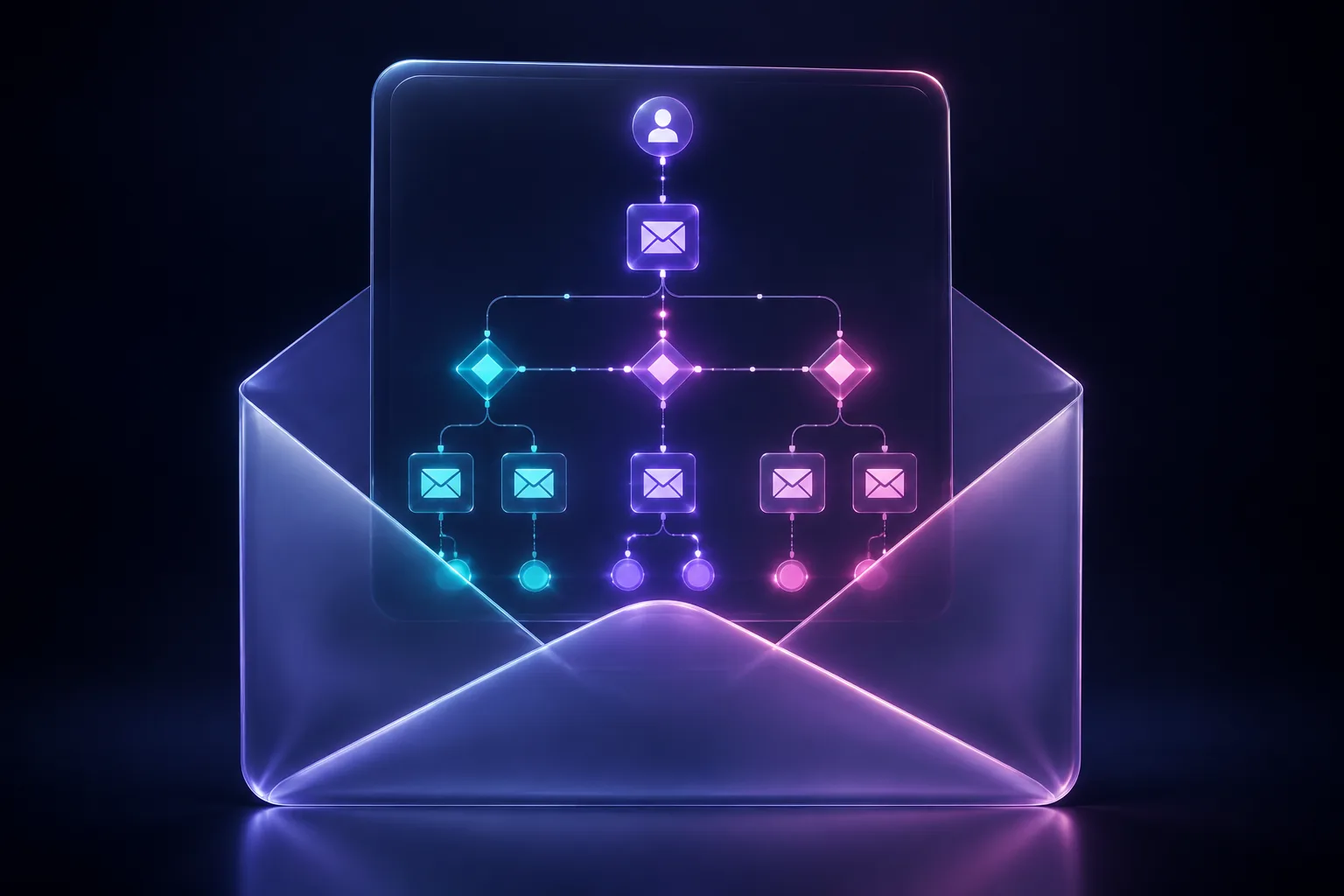
Why Automated Emails Outperform Broadcast Campaigns
Email marketing delivers an average ROI of $42 for every $1 spent (Litmus, 2025), making it the highest-ROI digital marketing channel by a wide margin. But that average obscures a massive performance gap: automated email sequences generate 320% more revenue per email than one-off broadcast campaigns (Omnisend, 2025).
The reason is simple. Automated emails are triggered by specific behaviors — a signup, a purchase, an abandoned cart, a period of inactivity. They arrive at the exact moment when the recipient is most likely to engage. A welcome email sent within minutes of signup sees an average open rate of 82% (GetResponse, 2025), compared to 21% for a typical promotional broadcast.
This guide covers the five automated sequences every business needs, the segmentation strategies that make them effective, and the deliverability practices that ensure your emails actually reach the inbox.
Sequence 1: The Welcome Series
The welcome sequence is your highest-performing automation by almost every metric. New subscribers are at peak engagement — they just voluntarily gave you their email address. Capitalize on this window.
Optimal Structure
Email 1 — Immediate (within 5 minutes of signup):
- Deliver the promised lead magnet or discount code
- Set expectations: what will you send, how often, and what value will the subscriber get?
- Include a single, clear CTA (not three competing links)
- Subject line: Direct and specific. "Your [lead magnet name] is ready" outperforms clever or vague alternatives
Email 2 — Day 2:
- Tell your brand story. Why do you exist? What problem do you solve differently?
- Include social proof: customer count, notable clients, or a compelling testimonial
- Soft CTA: "See what we can do" or "Explore our most popular [products/resources]"
Email 3 — Day 4:
- Deliver your single best piece of content (blog post, case study, or video)
- Position it as "our most popular resource" to leverage social proof
- This email builds trust and demonstrates expertise before any hard sell
Email 4 — Day 7:
- Make your first direct offer: product demo, consultation, or purchase incentive
- Create urgency if applicable (time-limited discount, limited availability)
- Include a P.S. with an alternative CTA for subscribers who aren't ready to buy
Email 5 — Day 10:
- Address the most common objection or concern your sales team hears
- Use a customer testimonial or case study that directly counters this objection
- Second chance CTA for the offer from Email 4
Welcome Series Benchmarks
| Metric | Industry Average | Top Performers |
|---|---|---|
| Open Rate | 50-60% | 75-85% |
| Click Rate | 8-12% | 15-25% |
| Conversion Rate | 2-5% | 8-12% |
| Unsubscribe Rate | < 0.5% | < 0.2% |
Source: Klaviyo Benchmark Report, 2025
Sequence 2: Abandoned Cart Recovery
Cart abandonment affects 70.19% of online shopping carts (Baymard Institute, 2025). That represents billions in recoverable revenue. A well-built abandoned cart sequence recovers 5-15% of abandoned carts, with some brands achieving 20%+ recovery rates (Klaviyo, 2025).
The Three-Email Recovery Sequence
Email 1 — 1 hour after abandonment:
- Subject line: "Did you forget something?" or "Your cart is waiting"
- Show the exact products left in the cart with images and prices
- No discount yet — many shoppers simply got distracted and will complete the purchase without incentive
- Include a direct "Complete your order" button
- Recovery rate: 3-5% of this single email
Email 2 — 24 hours after abandonment:
- Address common purchase objections: "Free shipping on orders over $50," "30-day hassle-free returns," "Rated 4.8/5 by 2,000+ customers"
- Include 1-2 product reviews for the specific items in the cart
- Still no discount in most cases — wait for Email 3
- Cumulative recovery rate: 6-9%
Email 3 — 72 hours after abandonment:
- Introduce a time-limited incentive if your margins allow it (10-15% discount or free shipping)
- Create genuine urgency: "This offer expires in 48 hours"
- Add product recommendations for alternatives if the carted items are out of stock or if price is the likely objection
- Cumulative recovery rate: 8-15%
Advanced Cart Recovery Tactics
- Dynamic product blocks: Show the actual items in the cart, not generic product recommendations
- Inventory urgency: "Only 3 left in stock" messages increase recovery rates by 22% when the scarcity is genuine (Barilliance, 2025)
- Segment by cart value: High-value carts deserve more aggressive recovery (personal outreach from sales, larger discounts). Low-value carts may not justify a discount at all.
- SMS as a complement: Adding an SMS reminder alongside the first email increases total recovery by 30% (Postscript, 2025)
Sequence 3: Post-Purchase and Re-Engagement
The post-purchase period is one of the most overlooked email automation opportunities. Customers are most satisfied immediately after buying — this is the ideal moment to build loyalty, generate reviews, and drive repeat purchases.
Post-Purchase Sequence
Email 1 — Immediately after purchase:
- Order confirmation with clear details (items, total, shipping estimate)
- Set expectations for delivery and include tracking information
- Tip: Add a "What to expect" section if your product requires setup or has a learning curve
Email 2 — Delivery day (triggered by shipping status):
- "Your order has arrived" with product care or getting-started tips
- Link to setup guides, tutorials, or FAQ content
- This email reduces support tickets and increases satisfaction
Email 3 — 7 days after delivery:
- Request a product review (include a direct link to the review form)
- Triggered review request emails have a 15-20% completion rate, compared to 2-3% for generic review campaigns (Yotpo, 2025)
- Keep the ask simple: a star rating and one sentence is enough
Email 4 — 14-21 days after delivery:
- Cross-sell complementary products: "Customers who bought [product] also love [related product]"
- Use purchase history to personalize recommendations
- Personalized product recommendations drive 26% of email-attributed revenue (Salesforce, 2025)
Email 5 — 30-60 days after delivery (product-specific timing):
- Replenishment reminder for consumable products
- Upgrade offer for products with premium versions
- "How are you enjoying [product]?" check-in for high-value purchases
Win-Back / Re-Engagement Sequence
When subscribers stop opening emails, don't keep sending — re-engage or remove them. Inactive subscribers damage your sender reputation and skew your metrics.
Trigger: No email opens or clicks in 60-90 days.
Email 1 — "We miss you":
- Acknowledge the inactivity directly: "We noticed you haven't opened our emails lately"
- Remind them of the value they signed up for
- Offer a compelling reason to re-engage (exclusive content, discount, or product update)
Email 2 — 7 days later (if no engagement):
- Stronger incentive: "Here's 20% off your next order"
- Include your single best piece of content or most popular product
- Ask if they'd prefer a different email frequency
Email 3 — 14 days later (if still no engagement):
- Final notice: "Should we part ways?"
- Give them a clear opt-out or confirm they want to stay
- This email frequently generates the highest engagement in the sequence because people fear losing access
After the sequence: Remove anyone who doesn't engage from your active list. This isn't losing subscribers — it's protecting your deliverability and cleaning your data. Removing inactive subscribers can improve open rates by 3-5 percentage points across your entire list (Mailchimp, 2025).
Segmentation Strategies That Drive Results
Sending the same email to your entire list is the email marketing equivalent of running a single ad to all audiences. Segmentation is what separates mediocre email programs from exceptional ones. Segmented campaigns drive 760% more revenue than non-segmented campaigns (Campaign Monitor, 2025).
High-Impact Segmentation Criteria
Behavioral Segmentation (Highest Impact):
- Purchase history (what they bought, when, and how much they spent)
- Browse behavior (product pages viewed, categories explored)
- Email engagement (active openers vs. occasional openers vs. inactive)
- Cart activity (items added but not purchased)
Demographic Segmentation:
- Geographic location (for seasonal offers, local events, or shipping-related messaging)
- Company size and industry (for B2B)
- Job title or role (for B2B content personalization)
Lifecycle Stage Segmentation:
- New subscriber (never purchased)
- First-time buyer (highest risk of churn — focus on second purchase)
- Repeat customer (loyalty program, VIP offers)
- Lapsed customer (hasn't purchased in 6+ months)
The RFM Model
RFM (Recency, Frequency, Monetary value) analysis segments customers by:
- Recency: How recently they purchased (more recent = more likely to purchase again)
- Frequency: How often they purchase (higher frequency = higher loyalty)
- Monetary: How much they spend (higher value = worth more investment in retention)
Score each dimension 1-5 and combine for segments like "Champions" (5-5-5), "At Risk" (1-3-3), and "Lost" (1-1-1). Each segment receives different messaging:
| Segment | RFM Score | Email Strategy |
|---|---|---|
| Champions | 5-5-5 | VIP early access, referral program, loyalty rewards |
| Loyal | 4-4-3 | Upsell, cross-sell, new product announcements |
| Potential Loyalists | 4-2-2 | Second purchase incentive, product education |
| At Risk | 2-3-3 | Win-back offers, satisfaction surveys |
| Lost | 1-1-1 | Deep discount or sunset from list |
Deliverability: Getting to the Inbox
None of your automation matters if emails land in spam. Email deliverability averages 85.7% globally (Validity, 2025), meaning nearly 1 in 7 emails never reaches the inbox. For senders with poor practices, the number is far worse.
Authentication Requirements
As of 2024, Gmail and Yahoo require all bulk senders to implement:
- SPF (Sender Policy Framework): Authorizes which servers can send email on behalf of your domain
- DKIM (DomainKeys Identified Mail): Cryptographically signs emails to prove they haven't been tampered with
- DMARC (Domain-based Message Authentication, Reporting & Conformance): Tells receiving servers how to handle emails that fail SPF or DKIM checks. Start with
p=nonefor monitoring, then move top=quarantineand eventuallyp=reject
Senders without proper authentication see 10-15% lower inbox placement rates (Google Postmaster Tools data, 2025).
List Hygiene Practices
- Never purchase email lists: Purchased lists have spam trap rates 5-10x higher than organic lists
- Use double opt-in for new subscribers: This reduces fake and mistyped addresses by 75%
- Remove hard bounces immediately: More than 2% hard bounce rate triggers spam filters
- Sunset inactive subscribers: Regularly remove subscribers who haven't engaged in 90-180 days
- Monitor spam complaint rates: Keep below 0.1% (Google's threshold for bulk senders). Above 0.3% risks domain-wide throttling.
Content Best Practices for Deliverability
- Avoid spam trigger words in subject lines: "Free," "act now," "limited time" — these still impact filtering, especially for cold or low-engagement segments
- Maintain a healthy text-to-image ratio: Emails that are all images with minimal text are flagged more frequently. Aim for at least 60% text, 40% images
- Include a visible, easy-to-find unsubscribe link: Gmail now surfaces a one-click unsubscribe header; don't fight this, embrace it. Easy unsubscribes reduce spam complaints
- Send from a consistent "From" name and address: Switching sender names confuses recipients and lowers recognition-based opens
- Warm up new sending domains gradually: Start with your most engaged subscribers and increase volume by no more than 20-30% per week
Measuring Automation Performance
Key Metrics by Sequence Type
| Sequence | Primary Metric | Secondary Metrics |
|---|---|---|
| Welcome Series | Conversion to first purchase | Open rate, click rate, list growth rate |
| Abandoned Cart | Recovery rate and revenue recovered | Revenue per email, time to recovery |
| Post-Purchase | Review completion rate, repeat purchase rate | Cross-sell conversion, NPS score |
| Re-Engagement | Reactivation rate | List cleaned (inactive removed), deliverability improvement |
Testing Framework
- Test one variable at a time: Subject line, send time, CTA copy, or incentive level — not all at once
- Minimum sample size: Wait for at least 1,000 sends and 100 opens before declaring a winner
- Test continuously: Set up ongoing A/B tests for every automated email. Even a 5% improvement in click rate compounds dramatically over thousands of sends
- Review automation performance monthly: Check each sequence's metrics against benchmarks and investigate any significant changes
Building Your Automation Stack
Start with these five sequences, in order of implementation priority and typical revenue impact:
- Welcome series — Highest open rates, sets the tone for the entire relationship
- Abandoned cart — Immediate, measurable revenue recovery
- Post-purchase — Drives reviews, repeat purchases, and customer lifetime value
- Browse abandonment — Captures intent from visitors who viewed products but didn't add to cart
- Re-engagement / win-back — Protects deliverability and reactivates lapsed customers
Each sequence should be live, tested, and optimized before moving to the next. A well-executed welcome series alone can increase new subscriber revenue by 30-50% (Drip, 2025). Stack all five, and you've built an email engine that generates revenue around the clock without manual intervention.